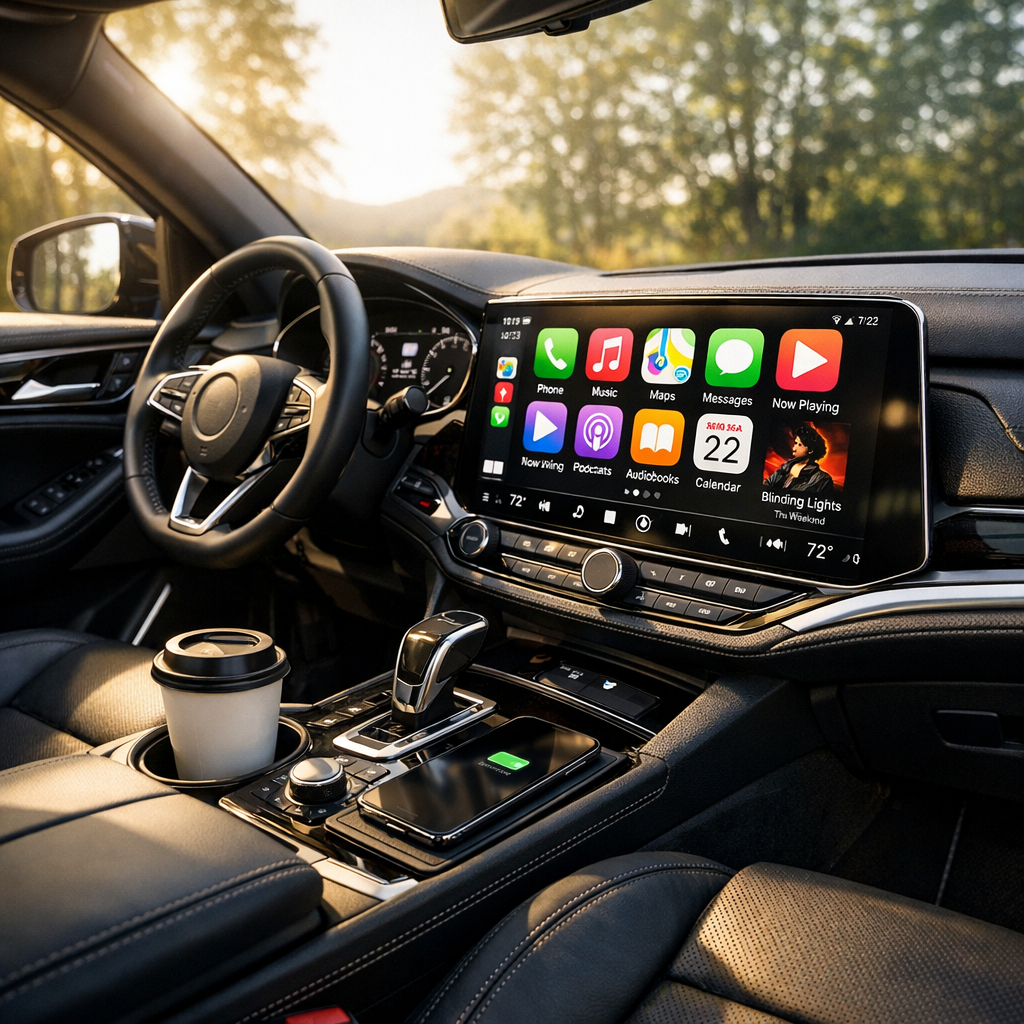
Enhancing Your Experience: Audio Quality Tips for Apple CarPlay
Related Analysis
Apple CarPlay has become a staple feature for many Apple users on the go, providing a seamless integration between your iPhone and your vehicle’s infotainment system. However, despite its convenience, ensuring optimal audio quality often requires a bit of tweaking. Whether you're a podcast aficionado or a music lover, improving your CarPlay audio quality can elevate your in-car experience significantly.
Understanding Audio Sources
One of the fundamental steps in enhancing your audio quality is to ensure that you're starting with a high-quality source. Streaming services like Apple Music, Spotify, or Tidal offer varying levels of audio quality. For the best sound, opt for lossless or high-fidelity options if your data plan and device support it. This small change can markedly enhance the clarity and richness of your audio.
Optimizing iPhone Settings
Before diving into your car’s settings, it’s crucial to ensure your iPhone is set up for optimal audio streaming. Head to your settings and check that your Audio Quality settings in your preferred streaming app are set to the highest available. Additionally, ensure that your iPhone is updated to the latest version of iOS to benefit from the latest audio enhancements and bug fixes.
Vehicle Sound System Calibration
The next step is to calibrate your vehicle’s sound system. Each car has different acoustics, and what sounds great in one model might not in another. Experiment with the equalizer settings available in your car’s infotainment system. Many vehicles allow you to adjust bass, treble, and midrange levels. Adjust these settings to suit your personal preference and the type of audio you most frequently listen to.
Consider the placement of your speakers as well. If your car allows, adjust the balance and fade settings to ensure the sound is distributed evenly throughout the cabin. This can help create a more immersive listening experience.
Investing in Quality Accessories
If you’re serious about audio quality, investing in high-quality accessories can make a significant difference. A good quality Lightning cable can ensure a stable connection between your iPhone and CarPlay. Additionally, if your vehicle supports it, consider using a high-quality auxiliary cable or Bluetooth adapter for audio streaming. These accessories can often provide a cleaner sound compared to lower-quality connections.
External Audio Enhancements
For those who want to take their audio quality to the next level, external audio enhancements can be a game-changer. Consider installing an aftermarket amplifier or a digital signal processor (DSP) in your vehicle. These devices can provide more power to your speakers and allow for more precise control over your audio settings.
“The journey to superior audio quality in your vehicle begins with understanding and optimizing each component of your audio setup.”
Regular Maintenance and Updates
Regular maintenance of your audio system can help maintain high audio quality. Dust and debris can accumulate in your speakers and affect sound quality over time. Regularly clean your vehicle’s speakers and check for any signs of wear or damage.
Additionally, keep your vehicle’s infotainment system updated. Manufacturers often release updates that can improve system performance and, occasionally, audio quality. Make sure to check regularly for updates and install them as they become available.
Conclusion
Achieving great audio quality with Apple CarPlay is a combination of using high-quality audio sources, optimizing both your iPhone and vehicle settings, and investing in the right accessories. By taking these steps, you can enhance your in-car audio experience, making every journey more enjoyable. Remember, the key is to experiment and find the settings and components that work best for your specific setup. With a bit of effort, you can transform your vehicle into a concert hall on wheels.