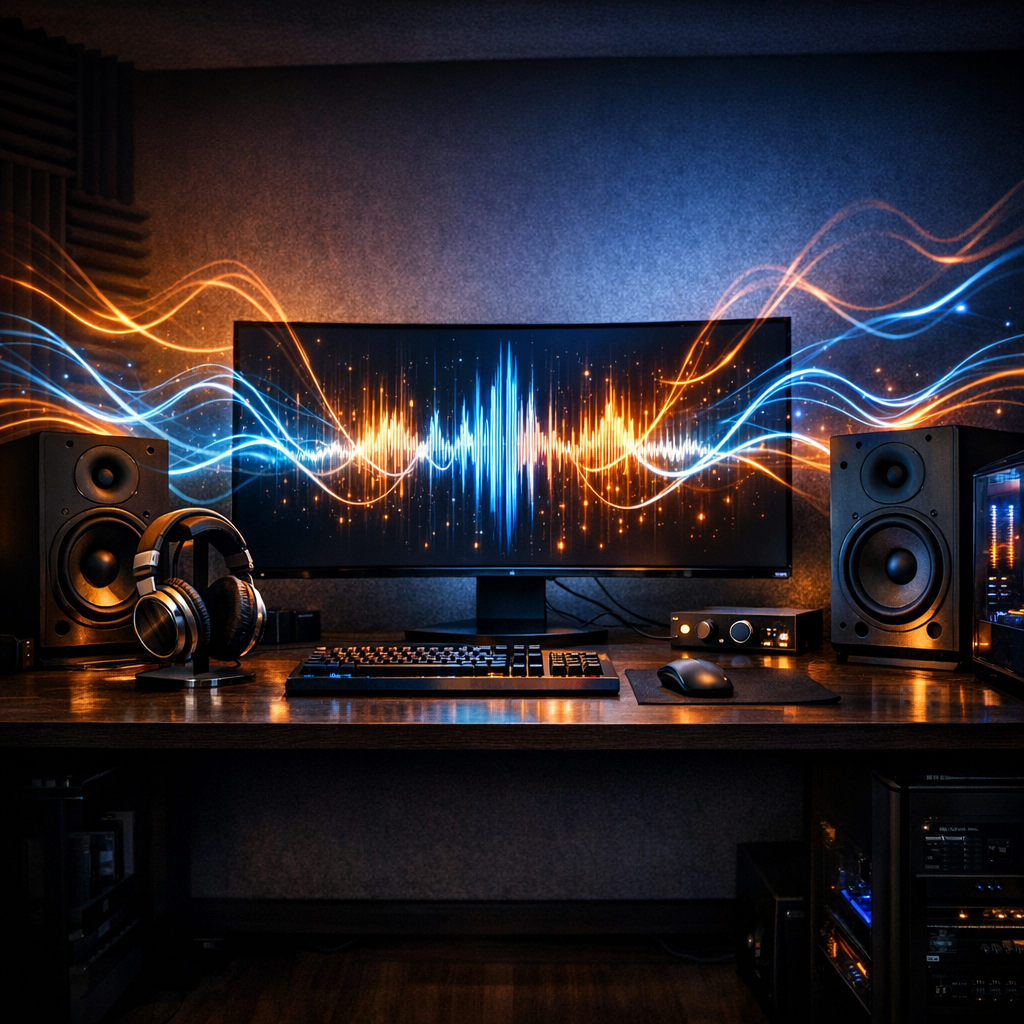
Optimizing Your PC for Superior Audio Experience
Related Analysis
In today's digital age, a significant portion of our media consumption occurs on personal computers. Whether you're streaming the latest album, enjoying a movie, or diving into a video game, the quality of audio can significantly impact your overall experience. While many rely on their laptop's built-in speakers or basic headphones, there are simple and effective ways to elevate your PC's audio performance.
Understanding Your PC's Audio Hardware
Before making any changes, it’s essential to understand what your PC is capable of in terms of audio. Most laptops and desktops come with built-in sound cards, which handle the audio processing. However, these integrated solutions often prioritize cost and space over sound quality. High-quality audio outputs typically require a dedicated sound card or an external digital-to-analog converter (DAC) coupled with an amplifier.
For those looking to take a step up, investing in a quality USB DAC can make a noticeable difference. These devices bypass the internal sound card, offering clearer and more detailed audio. Pairing a DAC with a good set of speakers or headphones can transform your listening experience.
Leveraging Software Enhancements
Another way to boost your PC’s audio is through software enhancements. Modern operating systems come with built-in audio settings that allow for some degree of customization. For Windows users, accessing the sound control panel provides options to adjust enhancements such as bass boost, virtual surround, and room correction.
If these default options are insufficient, consider exploring third-party software solutions. Applications like Equalizer APO or Boom 3D can provide more advanced sound processing features, allowing you to fine-tune your audio to your liking.
Choosing the Right Output Devices
The choice of output devices plays a crucial role in audio quality. While built-in speakers and basic earbuds are convenient, they often lack the depth and richness that high-quality audio demands. Investing in a good pair of headphones or external speakers can offer a significant upgrade.
When selecting headphones, consider factors such as impedance, frequency response, and driver size. These specifications can impact sound quality and compatibility with your PC's output. For speakers, look for models that offer a wide frequency range and sufficient wattage to fill your space with sound.
Maintaining Your Audio Equipment
To ensure longevity and consistent performance, proper maintenance of your audio equipment is crucial. Regularly clean your headphones and speakers to prevent dust accumulation, which can affect sound quality. Additionally, ensure that cables and connections are secure to avoid crackling or dropouts in audio.
For those using wireless solutions, such as Bluetooth headphones or speakers, keeping firmware updated can also improve performance and fix any potential audio issues.
Exploring Advanced Audio Technologies
As technology advances, so do the options for enhancing audio experiences. For users seeking cutting-edge solutions, exploring technologies like spatial audio, high-resolution audio streaming, or even immersive 3D audio setups can be worth the investment.
Spatial audio, for instance, provides a more immersive soundstage, making it feel as though the sound is coming from various directions. This can significantly enhance experiences in gaming and movie watching.
Conclusion
Achieving the best audio from your PC doesn't have to be a daunting task. By understanding your current hardware, utilizing software enhancements, and investing in quality output devices, you can substantially improve your listening experience. Whether you're an audiophile or a casual listener, these strategies can help you make the most of your PC's audio capabilities.
With the right combination of hardware and software, you can transform your PC into a powerful entertainment hub. So, don't settle for subpar audio — take the steps necessary to elevate your listening experience today.