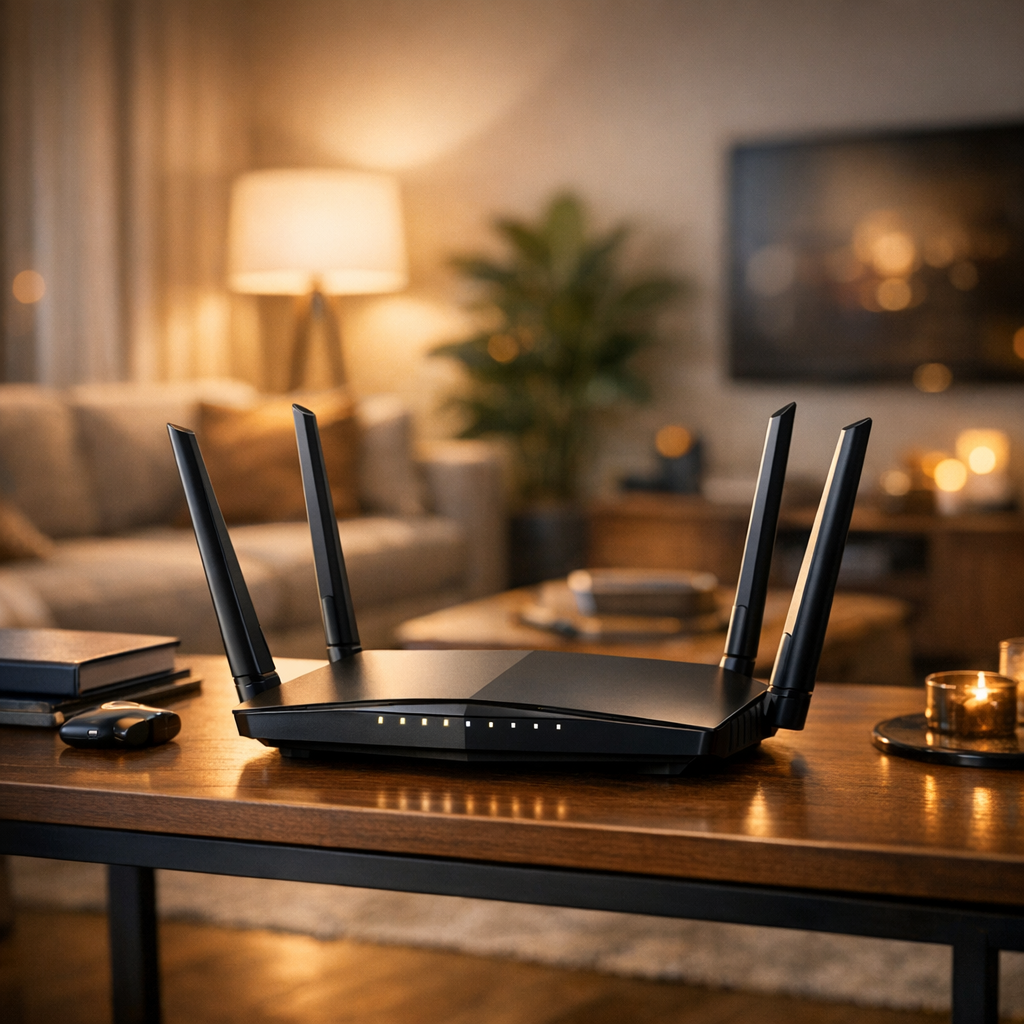
Mastering the Art of Router Antenna Positioning for Optimal Home Coverage
Related Analysis
In an era where connectivity underpins almost every aspect of our daily lives, ensuring that your home has robust and reliable internet coverage is paramount. The positioning of your router's antennas can significantly impact the quality of your internet connection, yet this aspect is often overlooked. Understanding the correct positioning tailored to the specific layout and structure of your home can make a world of difference.
The Basics of Router Placement
Before diving into antenna positioning, it's crucial to address the placement of the router itself. Ideally, your router should be positioned centrally within your home. This central location allows for the most even distribution of the Wi-Fi signal. Avoid placing the router near walls, floors, or metal objects, as these can obstruct or weaken the signal. Additionally, other electronic devices can cause interference, so keeping your router away from gadgets like microwaves and cordless phones is advisable.
Understanding Antenna Orientation
Routers typically come with either internal or external antennas. For routers with external antennas, positioning them correctly can enhance coverage. A common suggestion is to position one antenna vertically and another horizontally. This orientation caters to devices in a range of elevations and angles, optimizing coverage.
If your home has multiple floors, consider angling the antennas to provide a more vertical spread of the signal. This can be particularly effective in multi-story homes where Wi-Fi signals need to travel not just horizontally but vertically through floors.
Tailoring Antenna Positioning to Your Home Layout
Every home is unique, which means that the optimal antenna positioning may vary. For homes with an open layout, a central location with one antenna pointed vertically and another horizontally usually suffices. However, if your home features numerous walls or is built with materials like brick or concrete, you may need to experiment with different angles to find the sweet spot for your Wi-Fi signal.
In larger homes, or homes with particularly challenging layouts, consider using additional equipment such as Wi-Fi extenders or mesh networks. These can help blanket your home in Wi-Fi by repeating the signal and extending coverage to areas that the main router cannot reach on its own.
Advanced Techniques and Tools
For those who want to dive deeper, there are software tools available that can help visualize your Wi-Fi coverage. These tools often provide heat maps showing the strength of your Wi-Fi signal throughout your home. By using these tools, you can gain a better understanding of where your signal is strongest and where it may need improvement.
Additionally, some modern routers come equipped with apps that allow users to manage their network settings directly from their smartphones. These apps can offer insights into device connections, signal strength, and allow for easy adjustments to antenna positioning and other settings.
Conclusion
Optimizing your router's antenna positioning is a simple yet effective way to enhance your home's Wi-Fi coverage. By considering the unique aspects of your home's layout and employing some basic positioning strategies, you can enjoy faster and more reliable internet connectivity. As technology continues to evolve, staying informed and adaptable will ensure that you make the most of your home network setup.
"A well-placed router is the heart of a connected home, and understanding how to position its antennas is key to unleashing its full potential." - Tech Expert, 2026
In the fast-paced world of 2026, connectivity is more important than ever. By mastering the art of router and antenna placement, you can ensure that your home remains a bastion of connectivity, ready to meet the demands of the modern digital age.