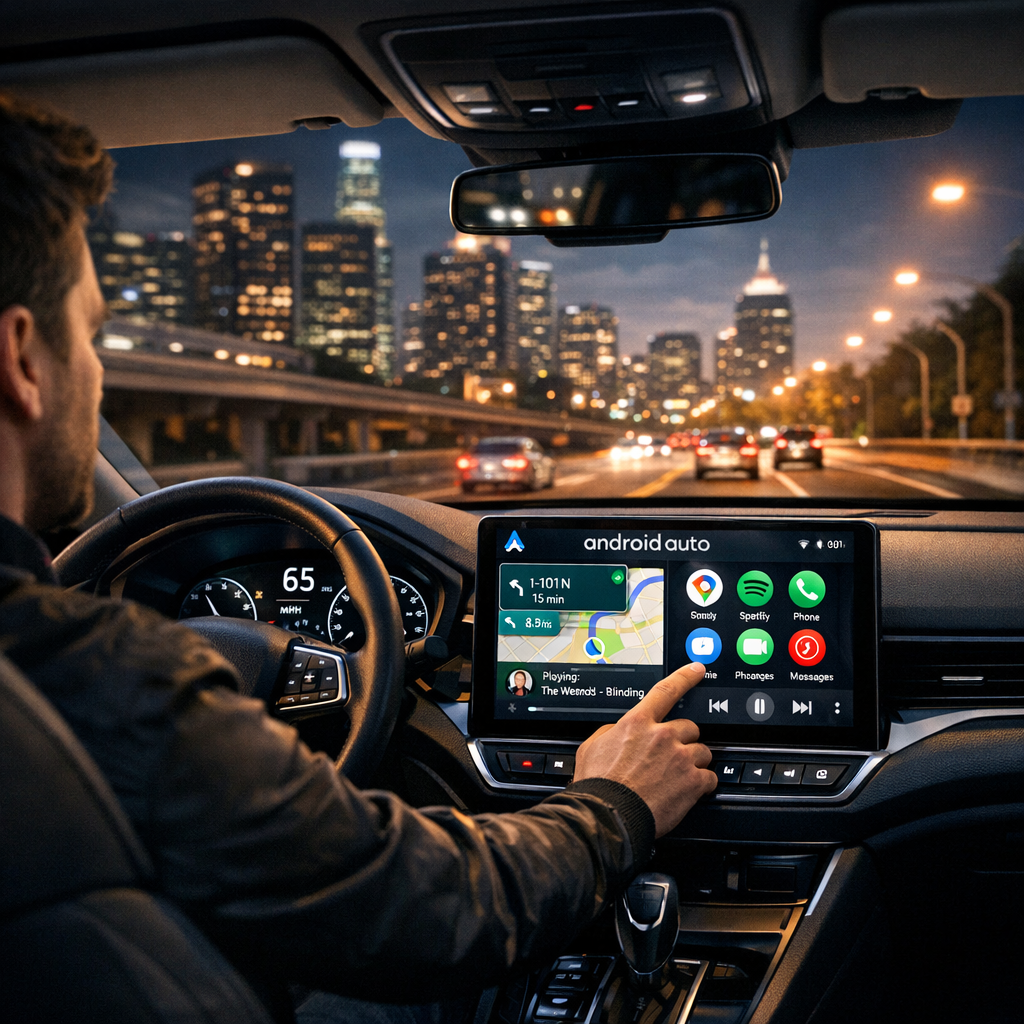
Unlocking the Full Potential of Android Auto: Avoid These Common Pitfalls
Related Analysis
In the fast-paced digital age, Android Auto has emerged as a crucial tool for drivers seeking convenience and safety on the road. However, many users are unknowingly missing out on its full potential due to a few common missteps. By understanding these errors and learning how to correct them, you can enhance your driving experience and make the most out of Android Auto’s impressive features.
1. Neglecting Regular Updates
One of the simplest yet most frequently overlooked aspects of maintaining a seamless Android Auto experience is ensuring that both your smartphone and the Android Auto app are up-to-date. Software updates are essential as they often include security patches, bug fixes, and sometimes even new features that can significantly enhance functionality.
To fix this, regularly check for updates in the Google Play Store for the Android Auto app and ensure your Android operating system is current. This proactive approach can prevent potential compatibility issues and ensure a smoother user experience.
2. Mismanaging App Permissions
Android Auto requires specific permissions to function optimally, such as access to your contacts, calendar, messages, and location. These permissions allow the app to provide hands-free assistance and relevant notifications while driving. However, many users inadvertently restrict these permissions, thus limiting the app's capabilities.
To rectify this, navigate to your smartphone’s settings, find the App Permissions section, and ensure that Android Auto has the necessary permissions enabled. This simple step can greatly enhance the app's usability and ensure it operates as designed.
3. Overlooking Voice Command Features
Android Auto’s voice command capabilities, powered by Google Assistant, are designed to allow drivers to keep their eyes on the road and hands on the wheel. Yet, many users underutilize these features, opting instead to manually interact with their devices.
To leverage voice commands, familiarize yourself with common prompts such as sending messages, playing music, or getting directions. Practice using phrases like "Hey Google, navigate to work" or "Hey Google, play my morning playlist." Embracing voice commands can greatly reduce distractions and enhance safety while driving.
4. Poorly Organized App Layout
The interface of Android Auto is customizable, allowing users to arrange their apps to suit their preferences. Despite this, many users stick with the default layout, which might not be the most efficient for their needs.
To optimize your app layout, enter the Android Auto settings and rearrange the app icons based on your usage patterns. Place the most frequently used apps in the most accessible positions. This customization can streamline your interactions and make accessing essential features quicker and easier.
5. Ignoring Connectivity Issues
Connectivity problems can be a significant source of frustration for Android Auto users. These issues often stem from faulty cables, outdated software, or incompatible vehicle systems.
To address connectivity problems, first ensure you are using a high-quality USB cable. If issues persist, check for updates to your vehicle’s infotainment system and ensure compatibility with Android Auto. Additionally, consider the possibility of interference from other connected devices and disconnect any unnecessary devices.
Conclusion: Enhancing Your Android Auto Experience
By addressing these common mistakes, you can unlock the full potential of Android Auto and enjoy a more integrated and efficient driving experience. Regular updates, proper app permissions, effective use of voice commands, a customized app layout, and addressing connectivity issues are key steps toward optimizing Android Auto’s features.
"The goal of Android Auto is to keep drivers connected while ensuring their safety on the road. By avoiding common mistakes, users can fully leverage this technology to enhance their driving experience." - Industry Expert
In today's connected world, taking full advantage of Android Auto’s capabilities can transform your time on the road, making it safer and more enjoyable. Embrace these solutions, and you’ll find yourself wondering how you ever managed without them.